
Speaker guide
Your virtual session.
A quick guide to setting up your live or pre-recorded session for success.
Preparation
These apply to every session:
- Be prepared: run through your slides and presentation before the day. Whether you're recording with an agency, at home alone, or live on the day, always come prepared.
- Test your slides, videos and demos in a streaming format beforehand.
- Keep slides clean and easy to read. A virtual event screen is much smaller than a physical event screen, so bear this in mind when putting your slides together.
- Speak audibly, slowly and clearly, keeping a steady pace.
Live
- Please join your call 20 minutes before going live.
- A producer will greet you and guide you through the process of going live.
- You will be told when you are live to the audience.
- Moderators: please connect with your panellists about the content before the live broadcast.
Pre-recording
- If you just need to record yourself talking (no screens etc.), any device with a camera and microphone will do. Modern smartphones have excellent cameras.
- To record a presentation or your screen, find a tool that works well on your device. Riverside and Loom can both record you picture-in-picture over your slides.
- Please send the production team an MOV or MP4 file. These are large, so use a transfer service such as WeTransfer or Dropbox.
Technical requirements
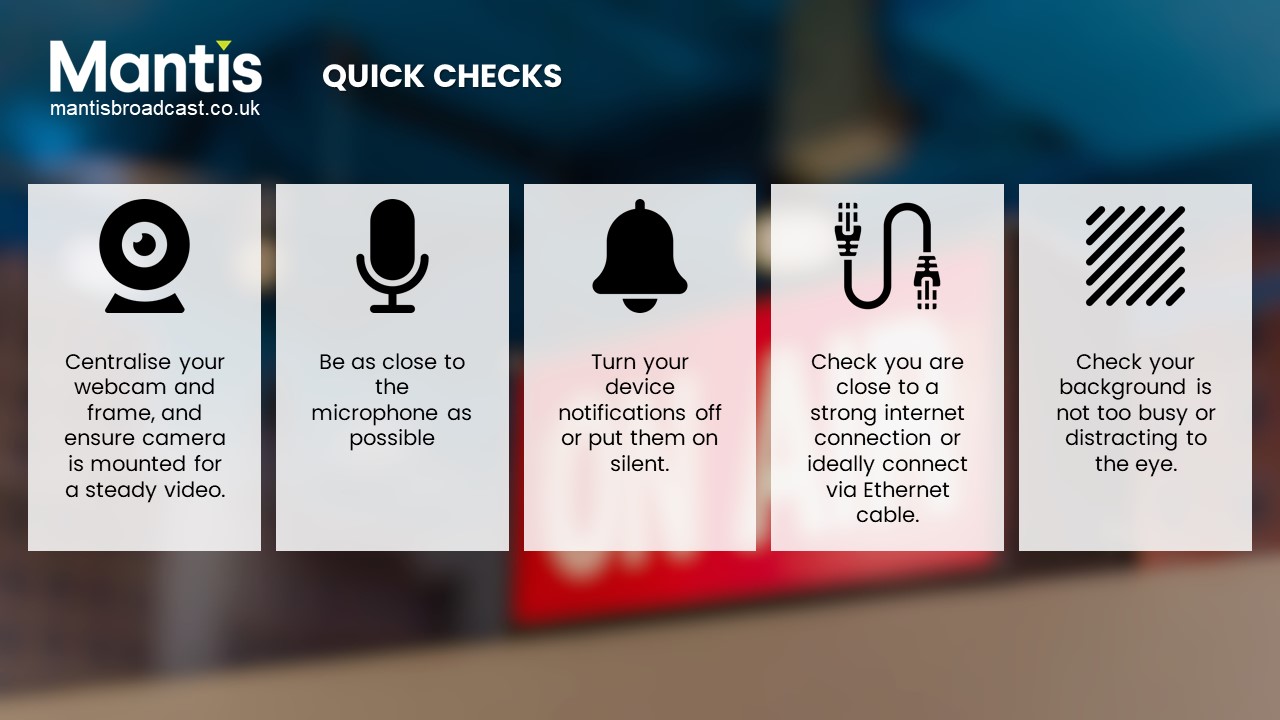
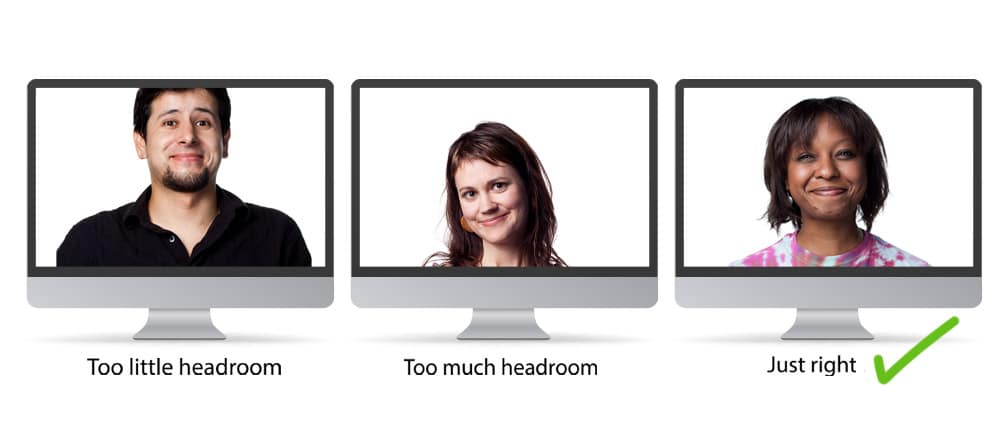
- Make sure the camera is 16:9 (landscape).
- Avoid bright light behind you.
- Mount the camera so the picture is steady.
- Choose a soft-furnished room with no background noise and few objects in shot.
- Be as close to the microphone as possible.
- Leave a few seconds of silence at the beginning and end of a recording for editing and transitions.
- Use an ethernet cable if you can – it's more stable than Wi-Fi.
- Disconnect from any VPN and close other programs before joining the call.
- Public Wi-Fi or a busy shared network may cause connection problems.
Useful links
- Zoom test meeting – zoom.us/test
- BigMarker system check – bigmarker.com/system_check
- Internet speed test – speedtest.net